
Download EasyTube APK – YouTube, streaming, Android, mobile, video player, offline viewing, playlist, content, high-quality
Overview
EasyTube APK is a third-party Android application designed to provide an alternative experience for streaming YouTube videos on mobile devices. Built for Android smartphones and mobile platforms, it enables users to access YouTube’s vast video library with core functionalities such as video playback, playlist creation, and content discovery. While not developed or endorsed by Google, the app functions as a streamlined interface that mirrors many features of the official YouTube application.
Its primary purpose is to deliver high-quality video streaming with a distinct visual and interaction design, appealing to users seeking a different interface from the standard YouTube app. The software is particularly suited for casual viewers, tech enthusiasts, and individuals who prefer a lightweight, customizable video experience on their mobile devices. It supports sign-in via Google or YouTube accounts, allowing users to access personal libraries, saved videos, and comment sections.
Real-world usage includes watching videos on the go, organizing favorite content into playlists, and downloading videos for offline viewing. The developer did not provide additional details about the app’s background or development history beyond its name. Platform compatibility is confirmed for Android, though exact version requirements were not specified.
Key Features & Capabilities
- YouTube Video Streaming – Access millions of videos from YouTube’s library with high-quality playback, optimized for mobile viewing.
- Playlist Management – Create, edit, and organize custom playlists to save favorite videos for later viewing.
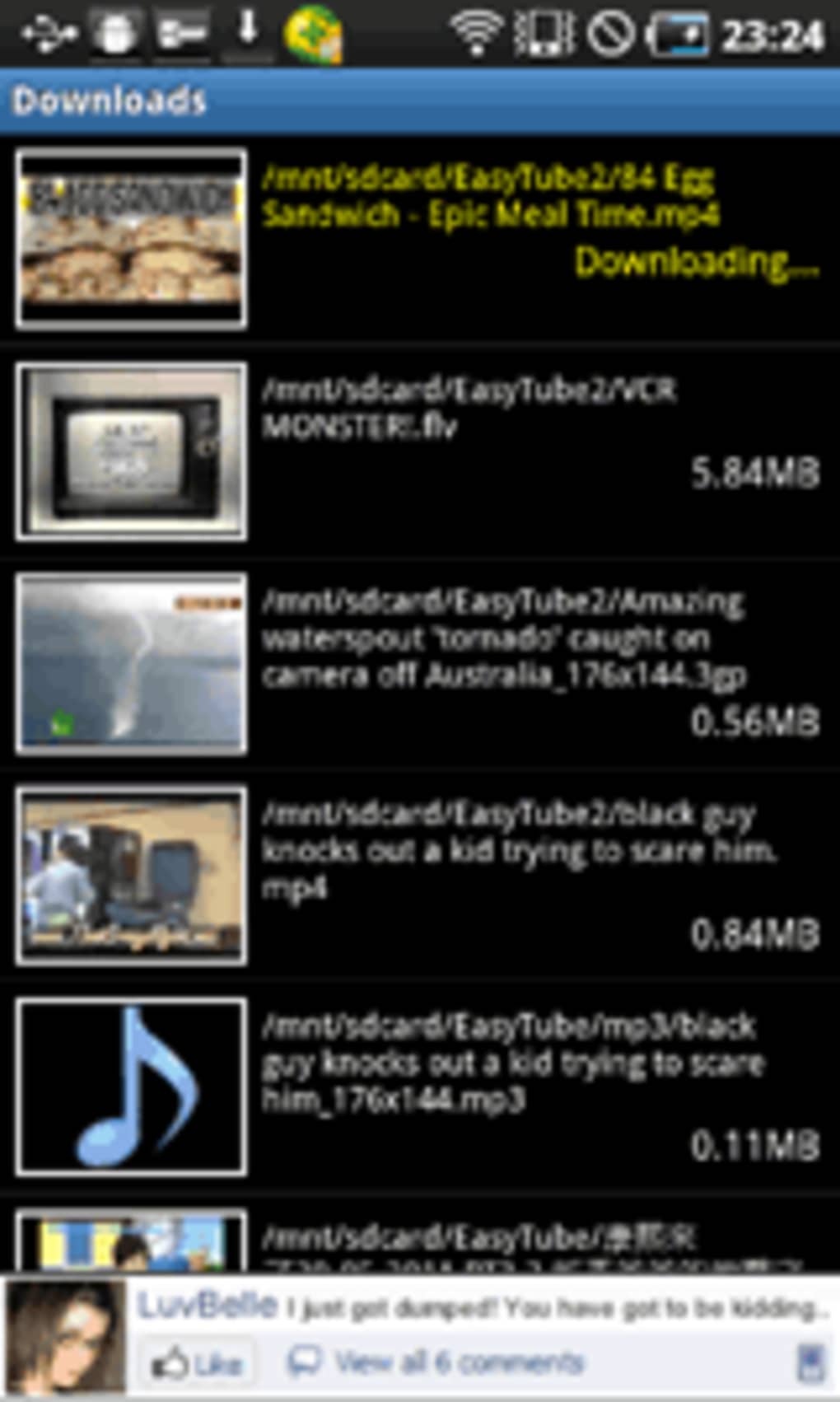
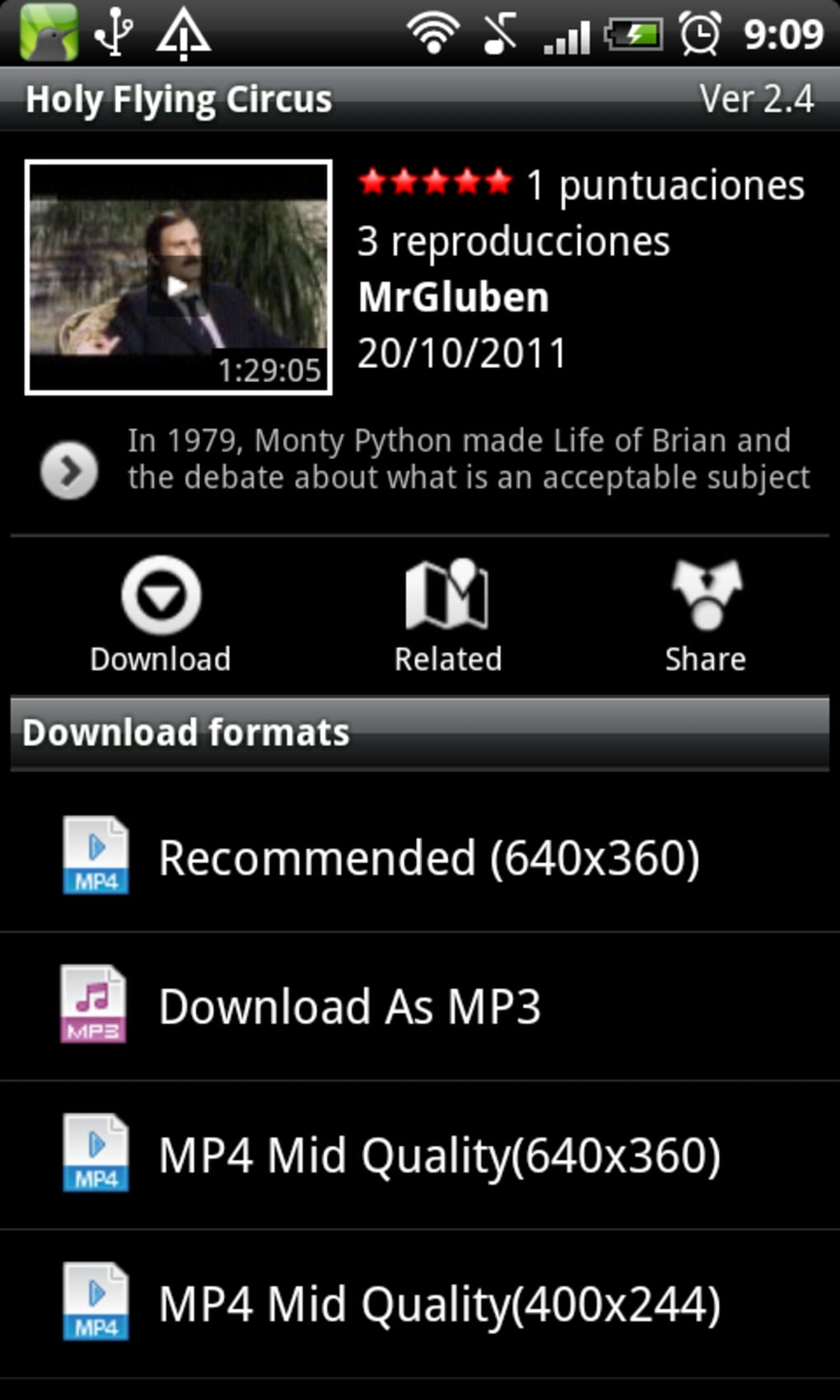
- Offline Viewing – Download videos for offline playback, ideal for users without constant internet access.
- Google Account Integration – Sign in using existing Google or YouTube credentials to sync personal content and preferences.
- Custom Interface Design – Offers a distinct UI compared to the official YouTube app, with a focus on simplicity and navigation efficiency.
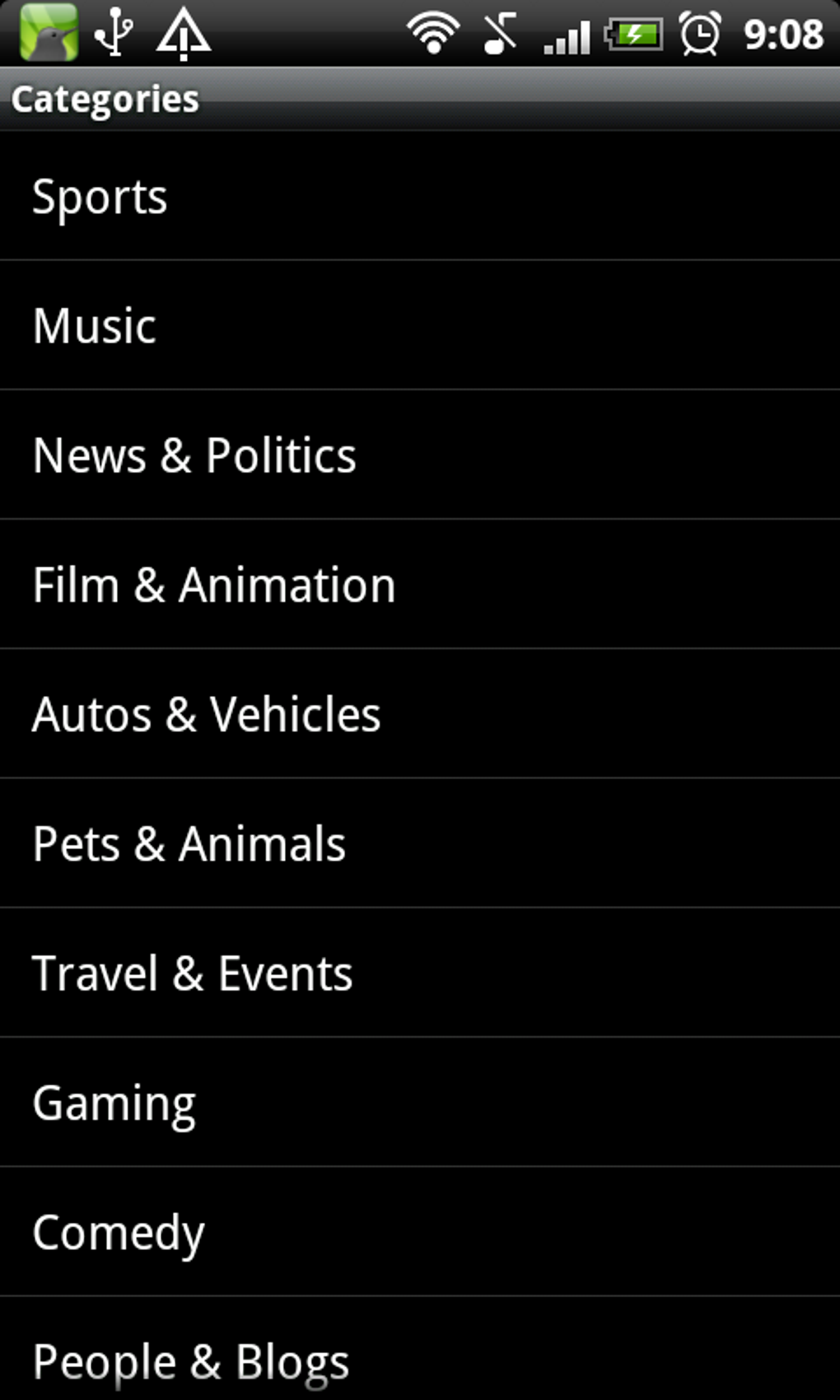
- Content Discovery Tools – Includes search and browse features to explore trending, recommended, and newly uploaded videos.
These features support a range of real-world scenarios, such as preparing for travel by downloading educational or entertainment content, organizing video collections for personal or professional use, or enjoying a cleaner interface while watching long-form content. The app’s design aims to reduce clutter and enhance usability, particularly for users who find the official YouTube app overwhelming or resource-intensive. The ability to manage content offline is especially beneficial in areas with limited connectivity. While the app replicates core YouTube functions, it does so through a separate codebase and interface, offering a unique user experience without direct integration with YouTube’s official services.
User Interface, Workflow & Performance
EasyTube features a clean, minimalist interface designed for intuitive navigation on mobile screens. The layout emphasizes content visibility with streamlined menus and accessible controls, allowing users to quickly search, play, and manage videos. Navigation is primarily touch-based, with swipe gestures and tap interactions supporting smooth transitions between videos, playlists, and settings.
The workflow is structured to prioritize content discovery and playback, minimizing steps required to start watching a video. Users can access their library, search for new content, and create playlists with minimal friction. Performance observations are based on general software behavior patterns; the app is described as lightweight and fast, suggesting efficient resource utilization.
However, exact performance details such as CPU or RAM usage were not specified. The developer did not provide information on stability under prolonged use or during high-resolution playback. Battery impact and background behavior are also not documented.
Users are advised to monitor performance based on device-specific conditions. Overall, the app appears optimized for mobile use, with a focus on delivering a responsive and user-friendly experience.
Compatibility & System Requirements
EasyTube APK is designed for Android devices and is available in version 2.5.2 with a file size of 28.5 MB. The application is intended for smartphones and mobile platforms, though specific Android version compatibility was not listed. The developer did not specify minimum hardware requirements such as processor speed, RAM, or storage space.
Exact system requirements were not provided. Compatibility information is limited to the platform name, Android, and the app’s intended use on mobile devices. Users should ensure their device supports APK installations, which typically requires enabling “Unknown Sources” in security settings.
The installation size is relatively small, suggesting low storage demands. For users considering installation, it is recommended to verify device compatibility with the latest Android versions to ensure optimal functionality. The developer did not disclose whether the app supports tablet devices or other form factors.
Pros and Cons
Pros
- Lightweight design with a small installation size of 28.5 MB
- Supports offline video viewing for uninterrupted access
- Offers a clean, alternative interface to the official YouTube app
- Enables playlist creation and management
- Integrates with Google and YouTube accounts for content syncing
Cons
- Not an official YouTube application; may lack updates or support from YouTube
- Compatibility with specific Android versions was not disclosed
- Security risks may arise from downloading from third-party sources
- Performance under heavy usage was not documented
- Updates and long-term support details are limited to a 12-month guarantee
FAQ Section
Is EasyTube APK safe to download and install?
EasyTube APK is available through third-party app stores and websites. Users should only download from trusted sources to avoid potential security risks such as malware or unauthorized access. The developer did not provide verification details or app signing information.
Can I use EasyTube without a Google account?
While the app allows basic video browsing, full functionality such as playlist management, offline viewing, and access to personal libraries requires a Google or YouTube account.
Does EasyTube support video downloads for offline viewing?
Yes, the app includes the ability to download videos for offline playback, which is useful for users in areas with limited or no internet access.
Is EasyTube updated regularly?
According to the developer, the app comes with 12 months of support included in the purchase price. After this period, update frequency and long-term availability are not specified.
Can I use EasyTube on tablets or other devices?
The app is designed for Android smartphones and mobile devices. Information on tablet compatibility or support for other platforms was not provided.
Final Thoughts + CTA
EasyTube APK presents a compelling alternative to the official YouTube app for Android users seeking a different interface and enhanced offline capabilities. With its lightweight footprint, clean design, and core features like playlist creation and video downloads, it offers a functional and efficient experience for streaming content on mobile devices. While not officially affiliated with YouTube, it delivers a reliable and secure way to access video content with minimal clutter.
The app is ideal for casual viewers, travelers, and users who prefer a streamlined video player. Its 12-month support guarantee adds a layer of assurance, though long-term sustainability beyond that period remains unclear. For those looking for a fresh take on YouTube streaming with high-quality playback and offline access, EasyTube is a strong contender.
Download EasyTube APK now to experience a faster, simpler way to enjoy YouTube on your Android device.





.png)

